Superior Outdoor Wi-Fi Complete Outdoor Wi-Fi Solutions

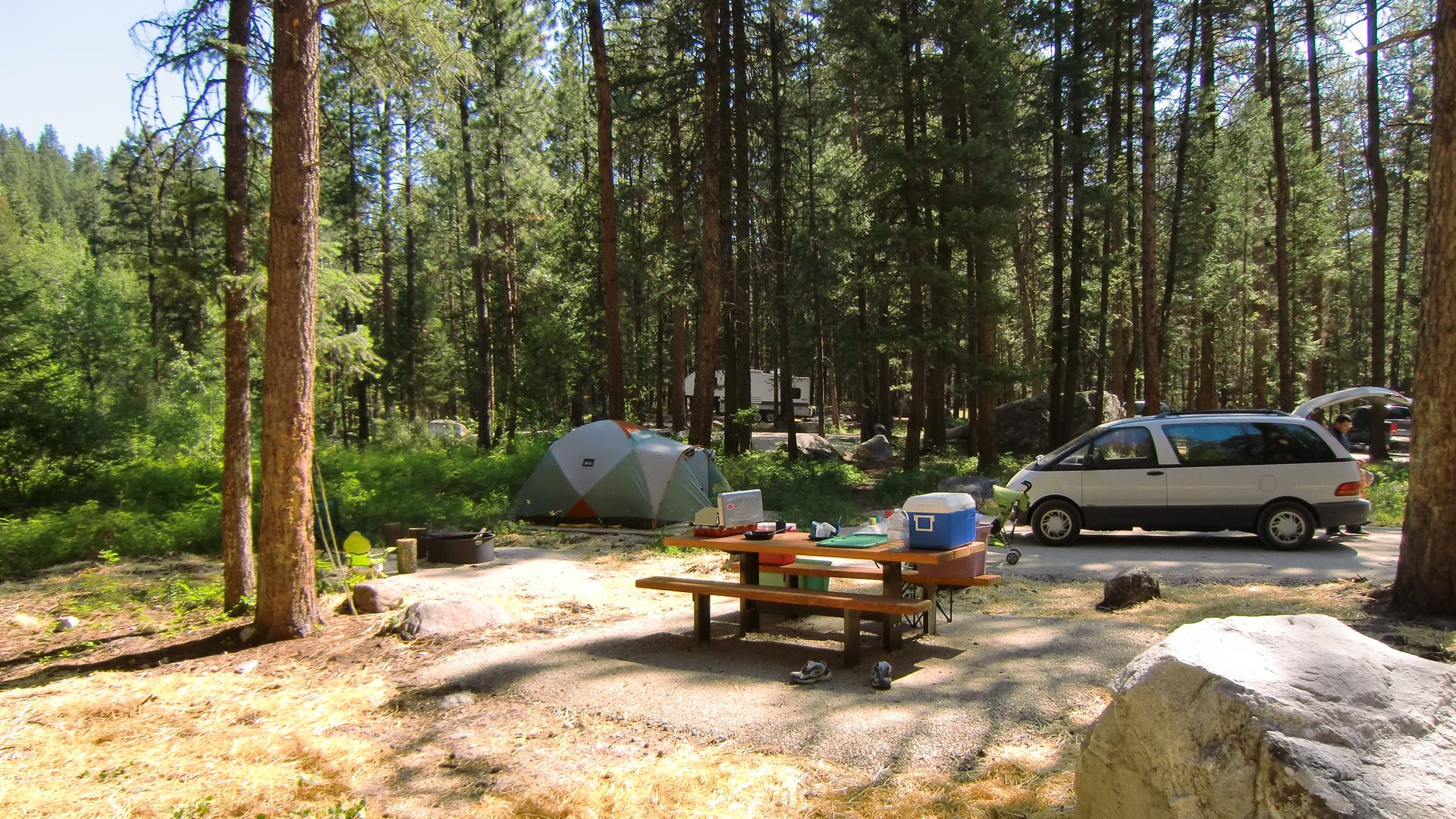
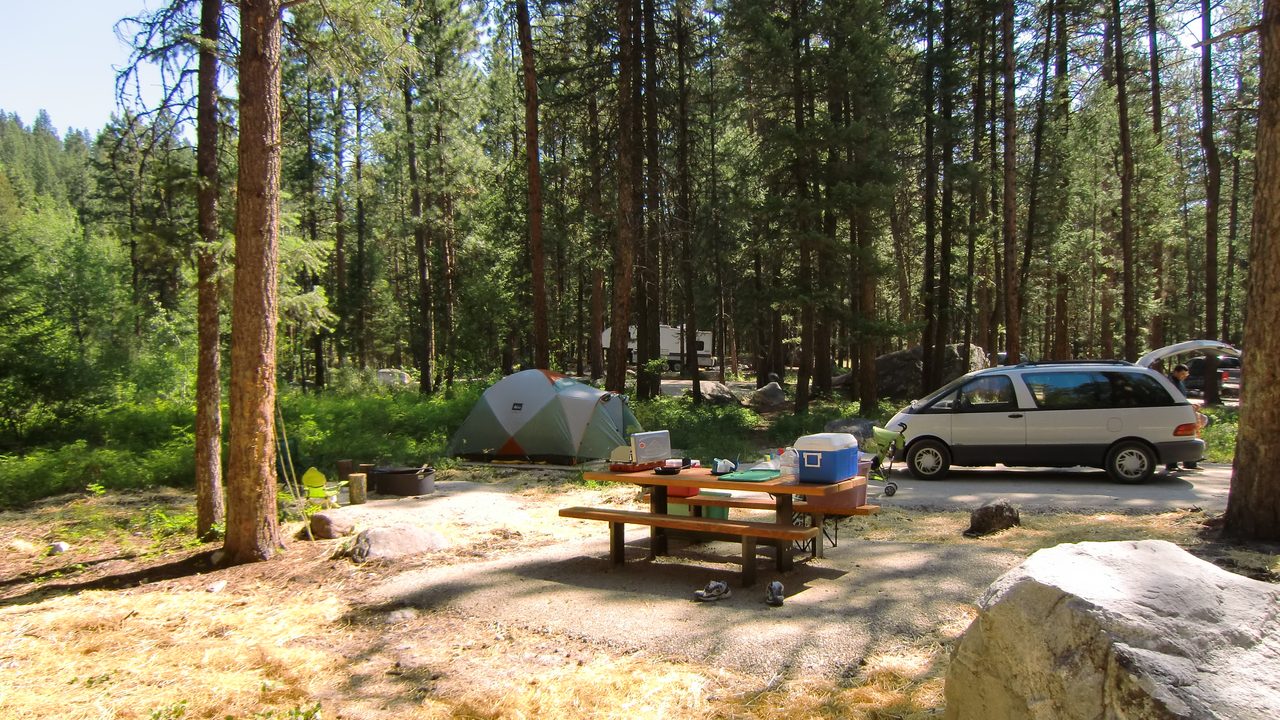
Tent, picnic table, and fire ring at a wooded campground site.

Campground Wi-Fi planning

Plan Reliable Wi-Fi Across Your Campground

This guide is for campground owners and operators who need to know how to plan Wi-Fi for a campground so guests can connect at tent and RV sites, cabins, common areas, and the buildings that keep the park running.

Guests judge your Wi-Fi from a picnic table, a cabin sofa, or a trailer at the far end of a wooded loop—not from the office doorway. The network has to reach those places, and it has to keep working when the park is full.

Trees, loops, bathhouses, and service buildings change both where the signal needs to go and how that traffic gets back to the internet source. Coverage, capacity, backhaul, streaming, and bandwidth control belong in the same plan. Without a property-wide plan, a campground may have a strong signal near the office but weak coverage in distant loops and reduced performance during busy holiday weekends.

GNS designs the complete network—from the main internet connection and distribution equipment to outdoor access points, wireless backhaul, cloud configuration, bandwidth policies, and ongoing support.

The internet service itself may come from fiber, cable, Starlink, or another provider. GNS does not supply that connection. GNS designs the property network that distributes that available connection to campsites, cabins, tent areas, and common facilities.

GNS provides preconfiguration, wiring diagrams, cloud setup, and installation guidance, making it easier for your electrician or installer to complete the physical installation. Start with equipment selection when you are ready for a system review.

A property-wide campground system

What a complete campground network can include

Campground planning has to cover mixed campsites, cabins, tent areas, and common facilities across irregular loops. A complete design may combine several parts. The mix depends on the terrain, available power, occupancy, and the equipment selected for the project. GNS is not a single-manufacturer shop.

  • Commercial outdoor Wi-Fi access points
  • Point-to-point or point-to-multipoint wireless backhaul
  • Mesh or repeater connections where they fit widely separated coverage areas
  • Network switching and routing at the distribution point
  • Guest-network security supported by the selected platform
  • A common property-wide Wi-Fi name where it is appropriate
  • Roaming between properly configured access points
  • Cloud-based configuration and management
  • Bandwidth management for shared guest use
  • Remote monitoring and troubleshooting
  • Installation drawings and guidance
  • Ongoing technical support

Before you add another radio

Campground Wi-Fi Planning Checklist

You do not need a finished network design before contacting GNS. The following information gives us a practical starting point:

  • Campground information: Property address, total number of sites, and a campground map or aerial image.
  • Types of sites: Seasonal sites, weekend or transient sites, tent sites, cabins, and other lodging.
  • Current internet service: Where the internet enters the property, the provider or connection type—fiber, cable, Starlink, or another service—and the current download and upload speeds.
  • Areas needing Wi-Fi: Campsites, cabins, tent areas, bathhouses, restrooms, pavilions, playgrounds, offices, maintenance buildings, and other common areas.
  • Terrain and obstructions: Whether the property is flat or hilly, open or heavily wooded, and where buildings, metal-sided structures, or other obstacles may block the radio path.
  • Guest demand: The number of occupied sites during a busy weekend and whether guests should be able to stream video, work remotely, or connect multiple devices.
  • Guest access: Whether Wi-Fi will be included with the stay or offered as a paid service. In most cases, GNS recommends including managed guest Wi-Fi rather than charging separately.
  • Power and mounting: Where power, poles, buildings, or other mounting locations are available. Bathhouses, restrooms, warehouses, and maintenance buildings with power are often practical locations for additional access points.
  • Remote connections: How distant access points may connect to the main network—mesh, dedicated wireless backhaul, Ethernet, fiber, or a combination.
  • Project timing: When the system needs to be designed, installed, or ready for guests.

When contacting GNS, also tell us how you heard about the company and include a few photographs of the property, existing internet equipment, and possible power or mounting locations.

Tent, picnic table, and fire ring at a wooded campground site.

Property coverage

Wi-Fi for campsites and cabins

Office coverage is not property coverage. Campground Wi-Fi coverage planning has to account for:

  • distance from the internet source to the last site
  • trees, terrain, and buildings that block or bounce a signal
  • cabins and trailers that are harder for a phone or TV to talk back through than an open campsite
  • whether each coverage area has a reliable path home, not only a local radio

Outdoor access points are what phones, laptops, tablets, and TVs join. How those radios connect back to the office is a separate planning choice.

Adding more access points without that distinction often makes outdoor Wi-Fi worse. Radios that are too close, too loud, or poorly placed interfere with each other and leave guests roaming between weak signals. Why adding more access points can make outdoor Wi-Fi worse walks through that mistake in more detail.

Weather, enclosures, and configuration matter too. If equipment is already outdoors and still fails in rain or peak season, see why campground Wi-Fi fails without proper enclosures and configuration.

Two different problems

Coverage versus capacity

Coverage

Coverage answers a location question: can a guest connect at this campsite or cabin?

Capacity

Capacity answers a load question: when the park is full and many of those connections are active, does anyone still have a usable path to the internet?

A quiet Tuesday walk-through can look fine. The same layout on a holiday weekend is a different network. More occupied sites mean more devices, more roaming, and more contention for the same airtime and the same incoming connection.

Campground Wi-Fi bandwidth planning belongs next to coverage. If the internet feed into the park is limited, extra radios cannot create capacity that is not there. Bandwidth control keeps a few heavy users from consuming what the whole property has to share.

Outdoor Wi-Fi coverage versus capacity explains that split in more detail.

Guest devices

Campground Wi-Fi for streaming

Campground guests commonly expect connectivity for streaming movies and television, remote work and video meetings, phones, tablets, laptops, and streaming devices, mobile applications, and smart or connected devices. That is ordinary guest use across tent sites, cabins, and mixed lodging.

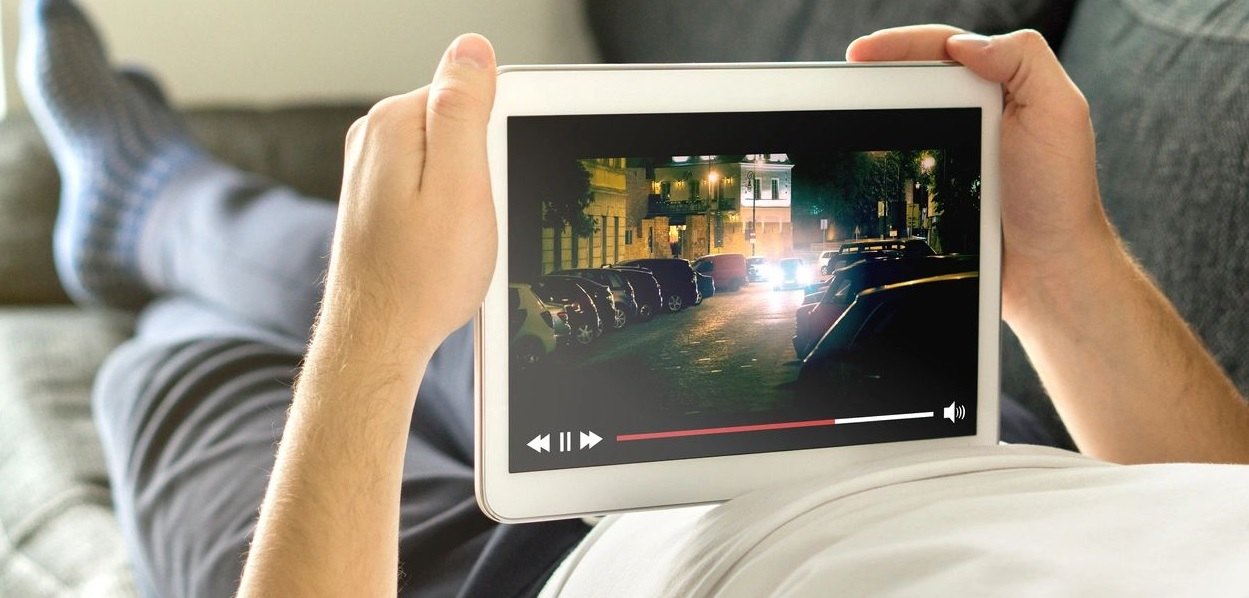
Person reclining and holding a tablet that is playing a video.
Guests often stream video and use connected devices during a stay.

Many common HD streaming services need about 10–15 Mbps per active device. Use that figure as planning context when you estimate busy-weekend or seasonal load.

Actual streaming performance depends on the property’s available internet service, simultaneous occupancy, access-point placement, signal conditions, backhaul capacity, channel utilization, bandwidth policies, and the guest device.

GNS can design around fiber, cable, Starlink, or another available source. GNS does not supply that internet service. The source still has to be sufficient for the occupancy you actually run.

Coverage across the property

Mesh or Dedicated Wireless Backhaul?

Campgrounds often have irregular loops, wooded or hilly terrain, seasonal occupancy, and widely separated coverage areas. Mesh can extend Wi-Fi into a remote loop without a dedicated point-to-point link at every pole. In many outdoor systems, the remote access point uses 5 GHz to communicate with the preceding access point while 2.4 GHz serves guest devices. The exact arrangement depends on the equipment selected for the property.

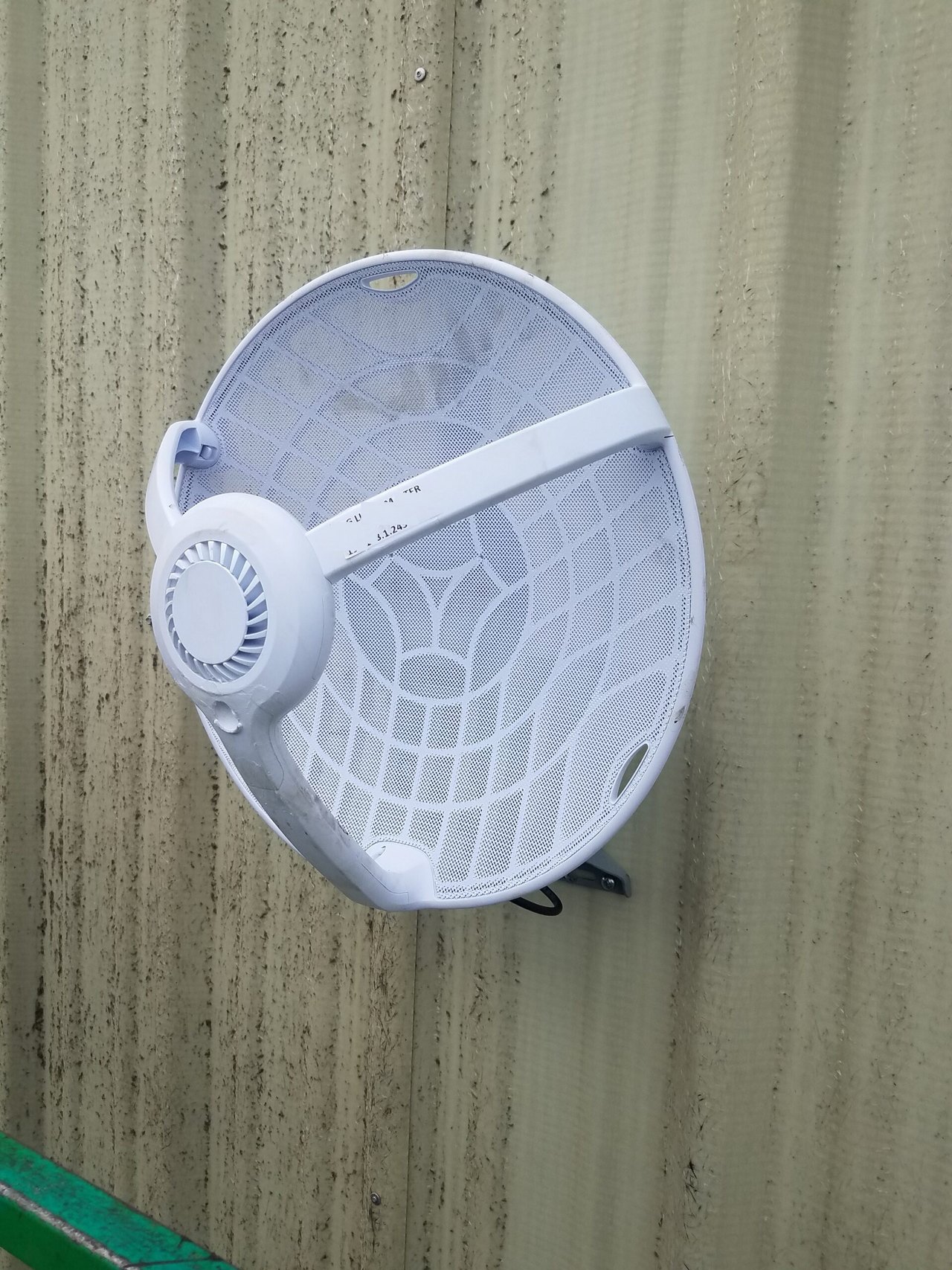
White mesh parabolic wireless antenna mounted on a corrugated metal wall.
Point-to-point wireless backhaul antenna mounted on a wall.

Wireless backhaul may distribute the network to remote cabins, recreation areas, pools, offices, and other locations without trenching a data cable across the entire property. Local power and suitable mounting locations are still required. Service is extended only where power is available.

Wireless backhaul can often avoid trenching data cable across the property. Some layouts may still require electrical work, local cabling, fiber, or trenching.

Wireless repeater hops can reduce available throughput, with the greatest reduction generally occurring at the farthest locations. For longer distances, heavier occupancy, higher streaming demand, or locations where a dedicated path is the better fit, GNS may recommend point-to-point or point-to-multipoint backhaul. Many campgrounds combine mesh and dedicated backhaul: a dedicated link for the busiest or most distant areas, and mesh where it is a practical extension.

GNS selects the appropriate approach and handles the access-point and cloud configuration before the system is installed.

Coverage review

Start with the property map

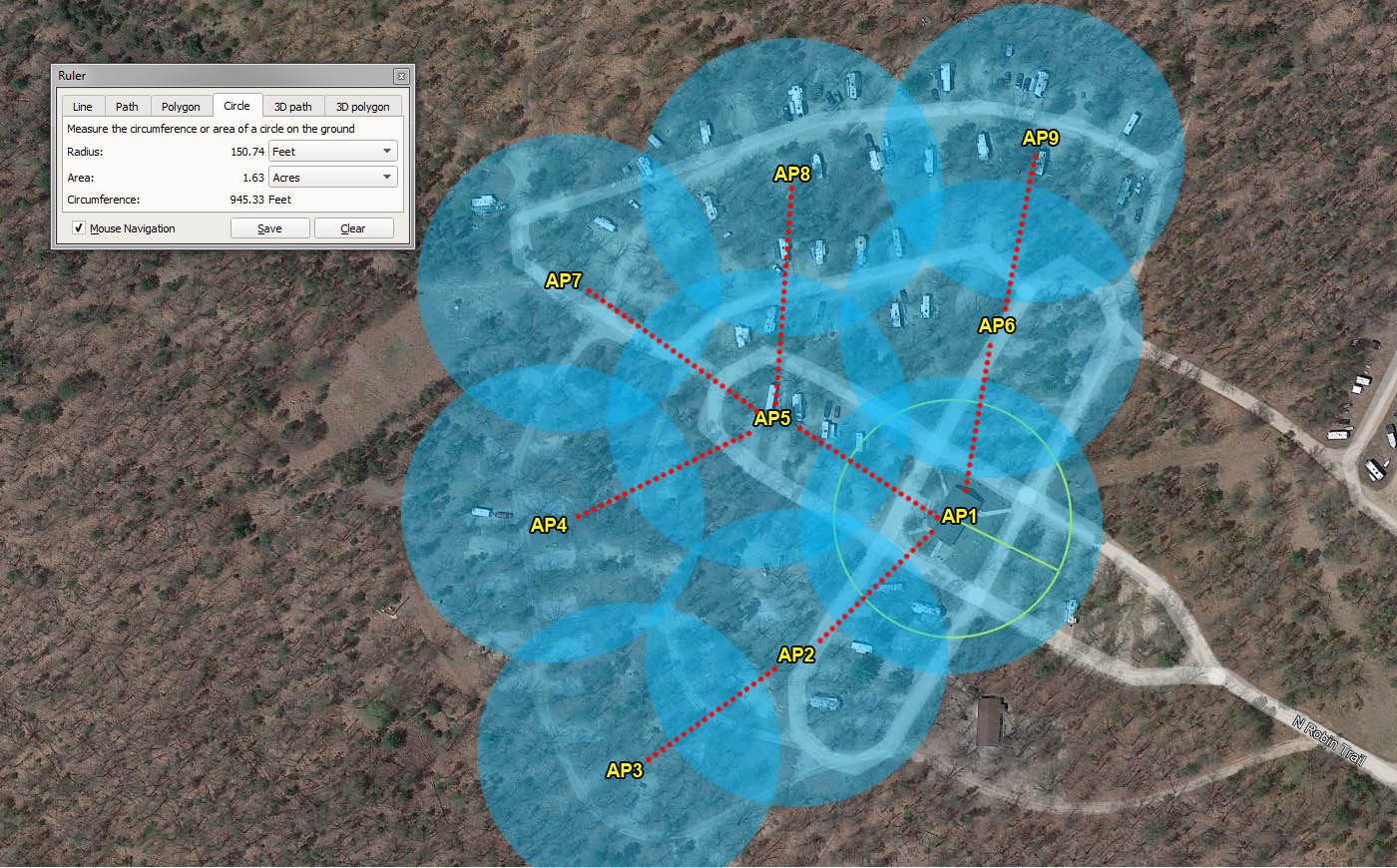
Send GNS the marked map or aerial image from the planning checklist. GNS reviews how access points and backhaul should work together on the property.

Satellite aerial of a wooded campground with labeled access points, blue coverage circles, and connecting paths.
A sample property map with a Wi-Fi coverage design overlay.

Email the map to sales@gnswireless.com.

If outdoor Wi-Fi has already failed once, why outdoor Wi-Fi fails without proper planning is worth reading before the next round of hardware.

Owner questions

Questions campground owners ask

Why does Wi-Fi work at the office but not at the far sites?

The office is next to the internet source and usually has a clear path. Far loops add distance, trees, and buildings. A phone or TV at a campsite also has to transmit back to the access point, so the return path matters as much as a strong reading at the office door.

Can we use the internet service we already have?

Yes. GNS designs the outdoor network around fiber, cable, Starlink, or another service already at the property. GNS distributes that available connection and does not supply the internet service itself.

How do we keep streaming from slowing the whole park?

Plan for a full weekend first, then use bandwidth control so a few heavy users cannot consume the incoming connection the rest of the park has to share.

Can wireless backhaul reach a remote loop without running a data cable across the whole park?

Often, yes, when the remote area has local power and a suitable mount. Wireless backhaul can often avoid trenching data cable across the property. Some layouts may still require electrical work, local cabling, fiber, or trenching.

Next step

Continue with a system review

If you already have a map and want GNS to review the property as a complete system, continue here:

Or call (877) 209-5152. You can also email the property map to sales@gnswireless.com.