
Superior Outdoor Wi-Fi Complete Outdoor Wi-Fi Solutions

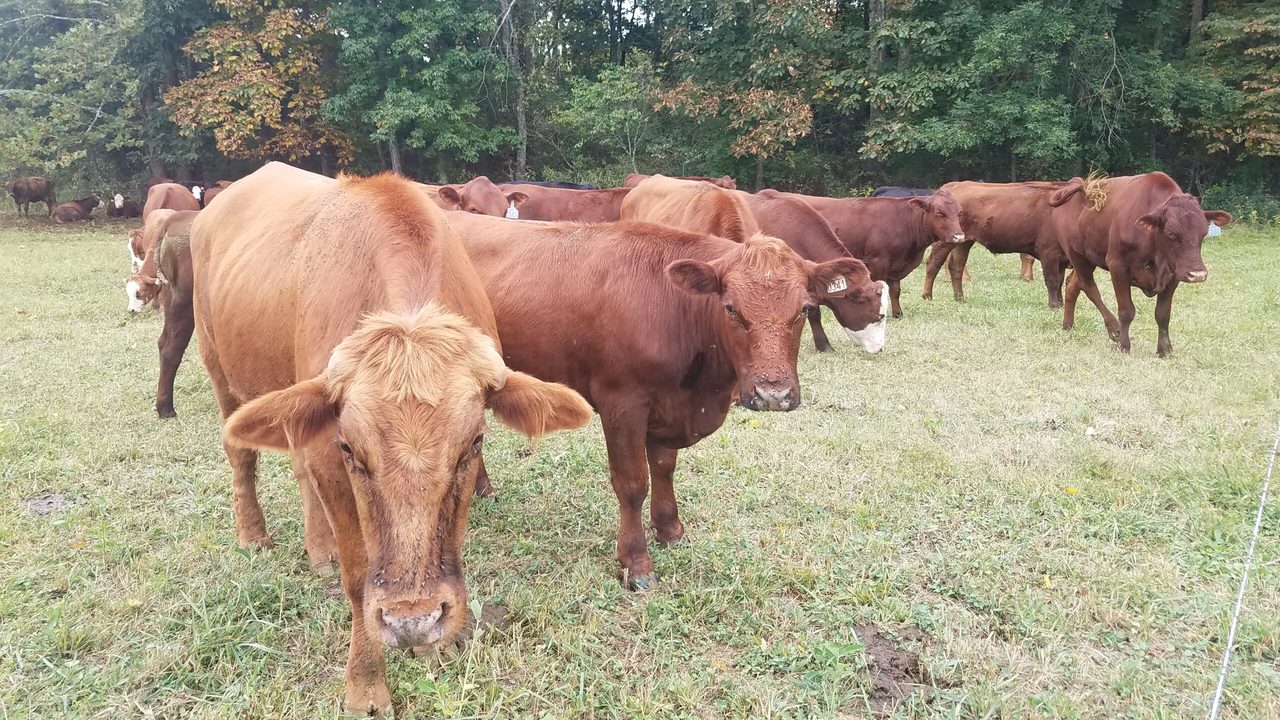
Cattle grazing in an open pasture with a dense treeline beyond.

Farm and large-property Wi-Fi planning

Plan Reliable Wi-Fi Across Farms and Large Properties

Knowing how to plan Wi-Fi for a farm starts with walking the property the way you work it. The house or office is usually next to the internet feed. The shop, the barn, the equipment yard, the loading area, and the far building down the driveway often are not.

A phone that works at the kitchen table does not tell you much about a metal workshop, a barn behind a tree line, or a gate that sits out of sight of the main building. Those places need their own coverage and a dependable path back to the main network.

GNS designs that property network around the internet you already have—fiber, cable, Starlink, or another service at the main building. GNS does not supply that connection. We plan the access points, backhaul, power, mounting, and cloud setup so the buildings and work areas you mark on the map can use it.

GNS provides preconfiguration, wiring diagrams, cloud setup, and installation guidance so the property’s electrician or installer can complete the physical work. When you are ready for a farm system review, start with equipment selection.

A property-wide rural system

What a complete farm network can include

Widely spaced buildings and outdoor work areas need more than one radio at the house. GNS selects the equipment and platform that fit the property. Distance, terrain, available power, building construction, and how each location will use the network decide the final layout.

  • Commercial outdoor Wi-Fi access points
  • Point-to-point or point-to-multipoint wireless backhaul
  • Mesh or repeater connections where they are a practical extension
  • Ethernet or fiber where it is already available
  • Network switching and routing at the distribution point
  • Bandwidth policies for shared use
  • Cloud-based configuration and management
  • Remote monitoring and troubleshooting
  • Weatherproof enclosures for PoE injectors and power supplies
  • Installation drawings and guidance
  • Ongoing technical support

Client access on the property

Outdoor Access Points for Barns, Yards, and Remote Work Areas

A farm rarely needs Wi-Fi in only one place. Coverage may be needed around the main house or office, inside a workshop, beside a barn, across a loading area, or near equipment farther into the property. A commercial outdoor access point can serve those locations when it is positioned correctly and connected to a reliable backhaul.

GNS may recommend an access point such as the Cambium XV2-23T outdoor access point where its antenna pattern, capacity, mounting options, and management features fit the property. It is a dual-radio, 2×2 Wi-Fi 6 (IEEE 802.11ax) outdoor access point that operates on 2.4 GHz and 5 GHz, with integrated omnidirectional antennas. Official antenna gain is 7 dBi at 2.4 GHz and 10 dBi at 5 GHz. It uses a 1 GbE uplink and an IP67-rated enclosure, and it can be managed through Cambium cnMaestro. WPA2 and WPA3 security are supported. When the network is configured for it, 802.11r fast roaming and opportunistic key caching are available.

Those specifications describe the radio, not a finished farm design. Antenna pattern, placement, terrain, foliage, metal siding, interference, mounting height, the client device, backhaul, and the internet feed all affect results. Wi-Fi 6 does not automatically provide better range. An IP67 rating protects the access-point enclosure; cable glands, PoE injectors, and outdoor connections still need their own weather protection.

When this model is used, cnMaestro gives GNS Support operational visibility into access-point health, connected-device status, signal conditions, utilization, alerts, and configuration. Guest or user browsing activity is not recorded, nor available.

The access point is only one part of the layout. GNS may recommend a different access point where the layout and requirements call for it.
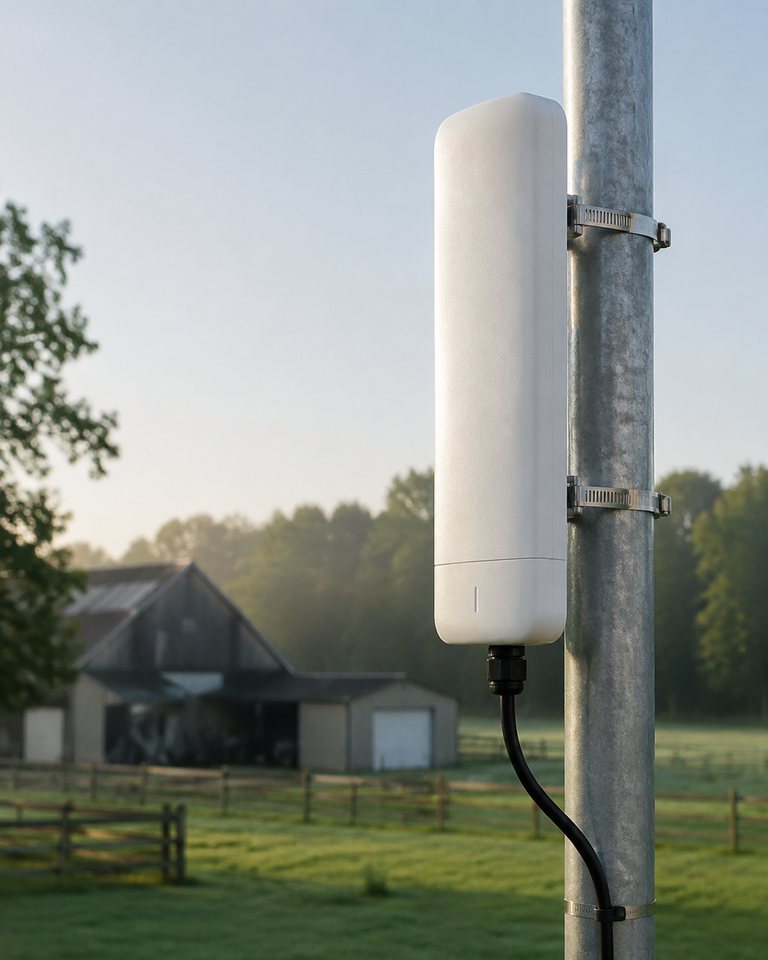
Outdoor access point mounted on a pole beside a barn and pasture.
An outdoor access point on a farm pole. GNS selects the model that fits the property.
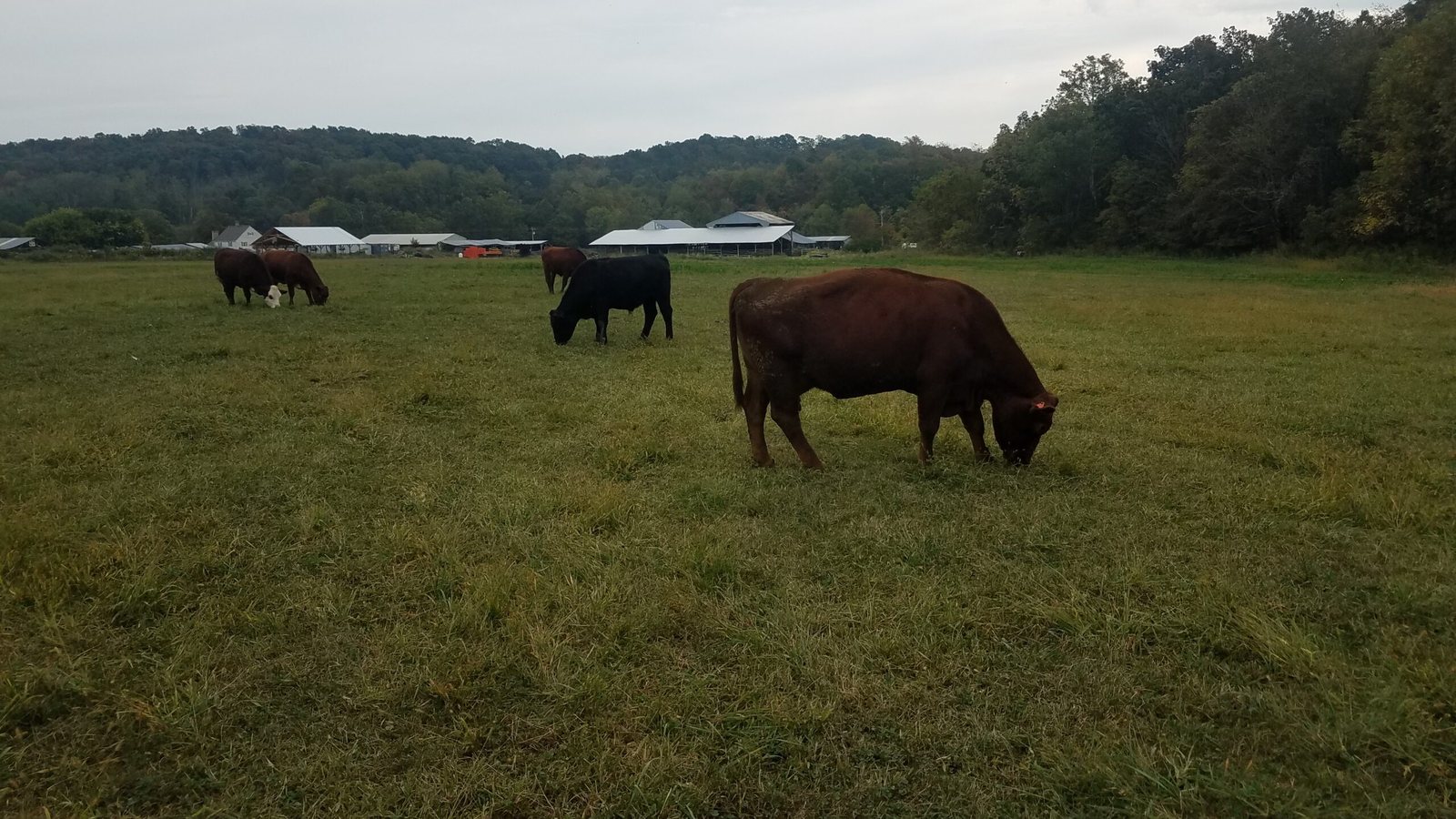
Cattle grazing in a pasture with farm buildings and woods in the distance.

Property coverage

Offices, barns, workshops, and remote work areas

Start with the places people actually work. Distance, metal siding, and what sits in the radio path decide whether one radio at the house can serve a shop, or whether that building needs its own coverage.

  • Distance from the internet source to each building or work area
  • Trees, hills, and other objects that sit in the radio path
  • Metal buildings that are harder for a phone or laptop to talk through than an open pasture
  • Whether each coverage area has a reliable path home, not only a local radio

Before you add another radio

Farm Wi-Fi planning checklist

GNS can review a marked map and recommend how to plan Wi-Fi for a farm so coverage and backhaul work together. Tell us where power is available.

  1. Mark where internet arrives today: house, office, farm store, Starlink dish, cable or fiber handoff, or another feed.
  2. Mark every building and work area that needs a connection: offices, barns, workshops, equipment buildings, gates, outdoor work areas, and other remote structures.
  3. Note trees, hills, metal buildings, distance from the internet source, and whether line of sight between those points is clear, seasonal, or blocked.
  4. Separate coverage (can a device connect here?) from capacity (does the network still work when several buildings and work areas are active at once?).
  5. Decide how remote locations connect back: dedicated wireless backhaul, mesh where it is a practical extension, Ethernet or fiber where it already exists, or a combination.
  6. Note power and mounting at each remote point. A radio still needs local power and a suitable mount.
  7. Gather a marked map, a few photos, and those notes for a coverage review.

A map does not need to be a survey drawing. An aerial screenshot with the main building, outbuildings, and problem spots labeled is enough to start.

Two different problems

Coverage versus capacity

Coverage

Can a device connect at this barn, workshop, gate, or outdoor work area?

Capacity

When several buildings and work areas are active at the same time, does anyone still have a usable path to the internet?

The radio path on a rural property

Terrain, trees, metal buildings, and line of sight

Open pasture can look like an easy path and still change with the season. Trees leaf out. Hills sit between buildings. A metal shop that is easy to see from the driveway may still block or bounce a signal. Line of sight that exists in winter may not exist in summer.

Plan the path between the internet source and each remote location, not only the distance on a map. Mounting height, nearby structures, and whether the path stays clear year-round belong in that review. Published range figures are a starting point. The final design has to account for the property, the selected equipment, mounting, obstructions, and seasonal conditions along the radio path.

Client access versus the path home

Wireless backhaul between remote areas

Client access

Outdoor access points for phones, laptops, and other devices in a building or work area. Placement, mounting, and local power belong at the coverage location.

Path home

Point-to-point or point-to-multipoint wireless backhaul between buildings, or Ethernet or fiber back to the distribution point when it is already available.

Technical planning at remote locations

Power, mounting, and weatherproof enclosures

  • Power A remote barn or gate still needs a way to power equipment. If a remote point has no power, that location is not a coverage site until power is available.
  • Mounting Plan mounting around the building, pole, or structure that actually exists. Height and a clear path matter more than a generic range claim.
  • Enclosures PoE injectors, power supplies, and connections that sit outdoors belong in a weatherproof enclosure. Indoor-rated gear in the weather is a common reason an outdoor network fails after the first season.

After the radios are up

Cloud configuration, monitoring, and support

A farm network still has to be configured, watched, and supported after the radios are mounted. GNS configures the supported cloud-management platform for the equipment on the project—Grandstream cloud management, Cambium cnMaestro, or another approved platform—and can apply bandwidth policies and provide remote monitoring and technical support.

Coverage review

Start with the property map

Send GNS an aerial image, site plan, or marked map. Label:

  • the internet source
  • offices, barns, workshops, and other buildings
  • gates, outdoor work areas, and remote structures
  • trees, hills, or metal buildings that sit in the path
  • known dead zones
  • where power or mounting already exists

Owner questions

Questions farm owners ask

Why does Wi-Fi work at the house but not at the barn or shop?

The house is next to the internet source and usually has a clearer path. Distant buildings add distance, trees, hills, and metal. A phone or laptop at the far building also has to transmit back to the access point, so the return path matters as much as a strong reading at the kitchen table.

Can we use the internet service we already have, including Starlink?

Yes. GNS designs the outdoor network around fiber, cable, Starlink, or another service already at the property. GNS distributes that available connection and does not supply the internet service itself.

Do we need a wireless link to every building?

Not always. Some buildings can share an access point when they are close and the path is usable. Others need their own coverage and a dedicated path home. The map, power, and line of sight decide that mix.

Can wireless backhaul reach a remote building without running a data cable across the whole property?

Often, yes, when that building has local power, a suitable mount, and a usable radio path. A nearby barn that already has a path home may share it. A distant shop with heavier use usually needs its own backhaul. Some layouts still require electrical work, local cabling, fiber, or trenching.

Next step

Continue with a system review

If you already have a map and want GNS to review the property as a complete system, continue here:

Or call (877) 209-5152. You can also email the property map to sales@gnswireless.com.