Consumer router
A consumer router usually combines routing, switching, and Wi-Fi in one box. That is a good fit when one device can reach everyone who needs it and the internet connection is not shared by a large group at the same time.
Superior Outdoor Wi-Fi Complete Outdoor Wi-Fi Solutions

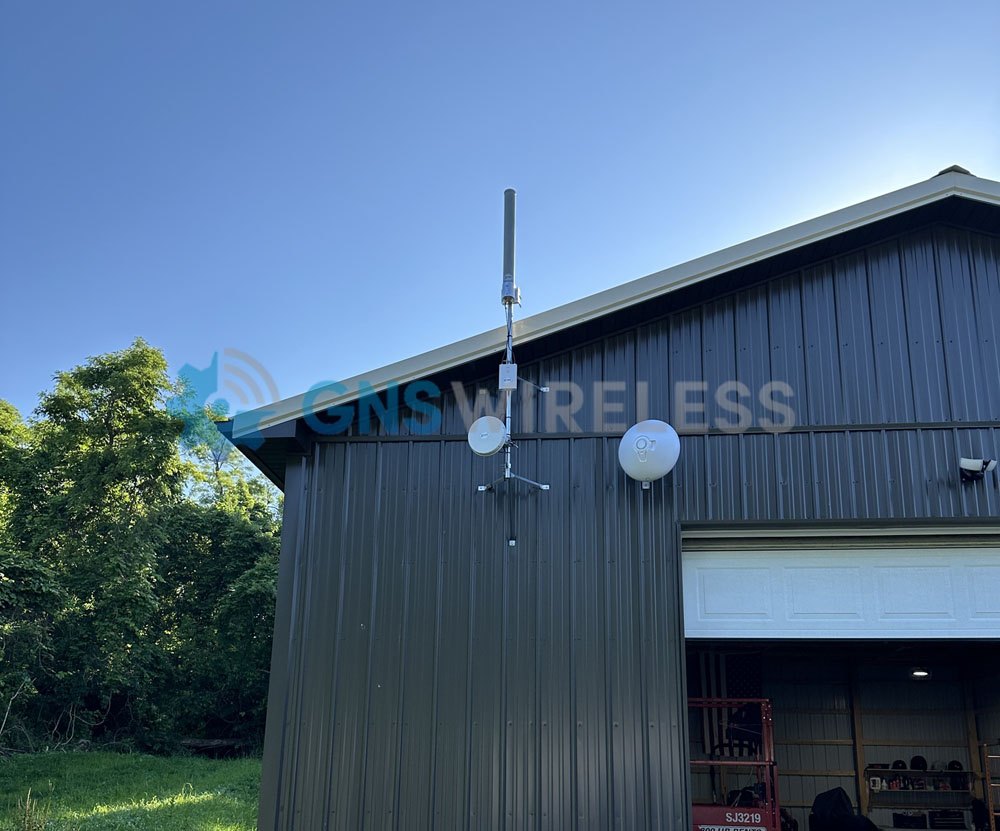
Commercial-grade Wi-Fi
Commercial-grade Wi-Fi for an outdoor property involves much more than installing a weather-resistant access point. Reliable service depends on how coverage, user capacity, internet bandwidth, equipment locations, power, and connections between remote areas are planned as one system.
A commercial grade WiFi system starts with the property: who connects, where they stand or park, and how traffic moves back to the internet service already on site. GNS designs that complete network around the buildings, yards, and outdoor areas that actually need service.
The people using it may be in an office, a parking area, a second building, a workshop, a barn, a dock, or a campground loop. The radios have to reach those places, and the phones and laptops there have to reach the radios.
A consumer router usually combines routing, switching, and Wi-Fi in one box. That is a good fit when one device can reach everyone who needs it and the internet connection is not shared by a large group at the same time.
A designed commercial system splits those jobs. Access points cover the places people connect. Switching and routing sit where they can feed those radios. A cable, fiber run, or wireless backhaul carries traffic from a remote pole or second building back to the core. Cloud tools and support sit above the radios so the network can be configured and maintained as one system.
On a small shop with a short parking pad, one indoor router may be enough. Across an office, a yard, and a metal building on the far side of the property, the same box leaves dead zones and a crowded Saturday.
Each part of a commercial Wi-Fi system has a specific job. GNS brings those parts together so devices can connect in the places that need service and traffic has a reliable path back to the property’s internet connection.
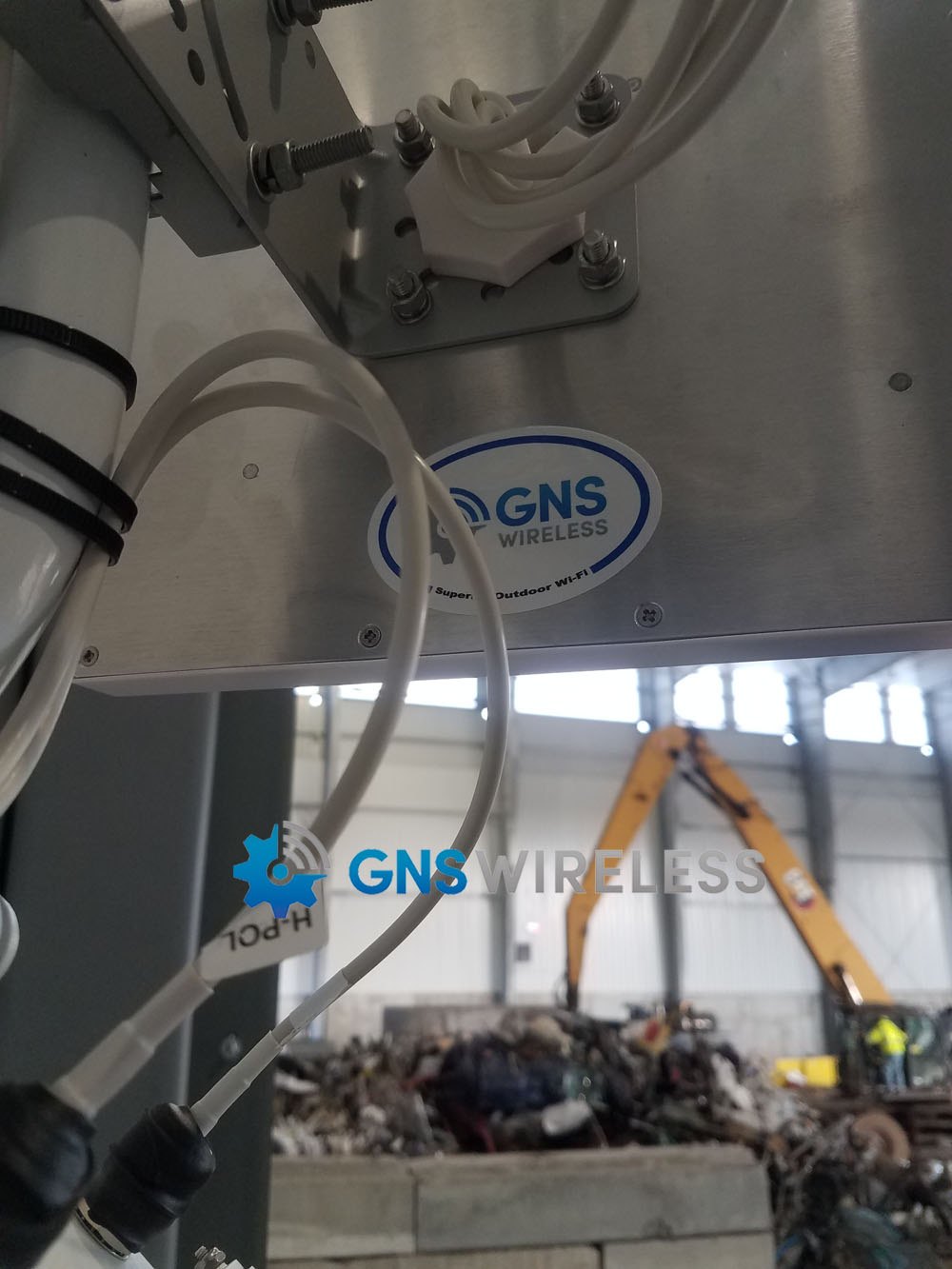
The property’s existing fiber, cable, Starlink, or other internet service connects to the main router and switching equipment. This is where the network distributes the available bandwidth and applies the rules established for guests, staff, and operations.
Indoor and outdoor access points provide the signal that phones, laptops, tablets, televisions, and other client devices join. Their locations, antenna patterns, mounting heights, and channel settings are selected around the areas that need coverage—not simply around the building where the internet connection enters.
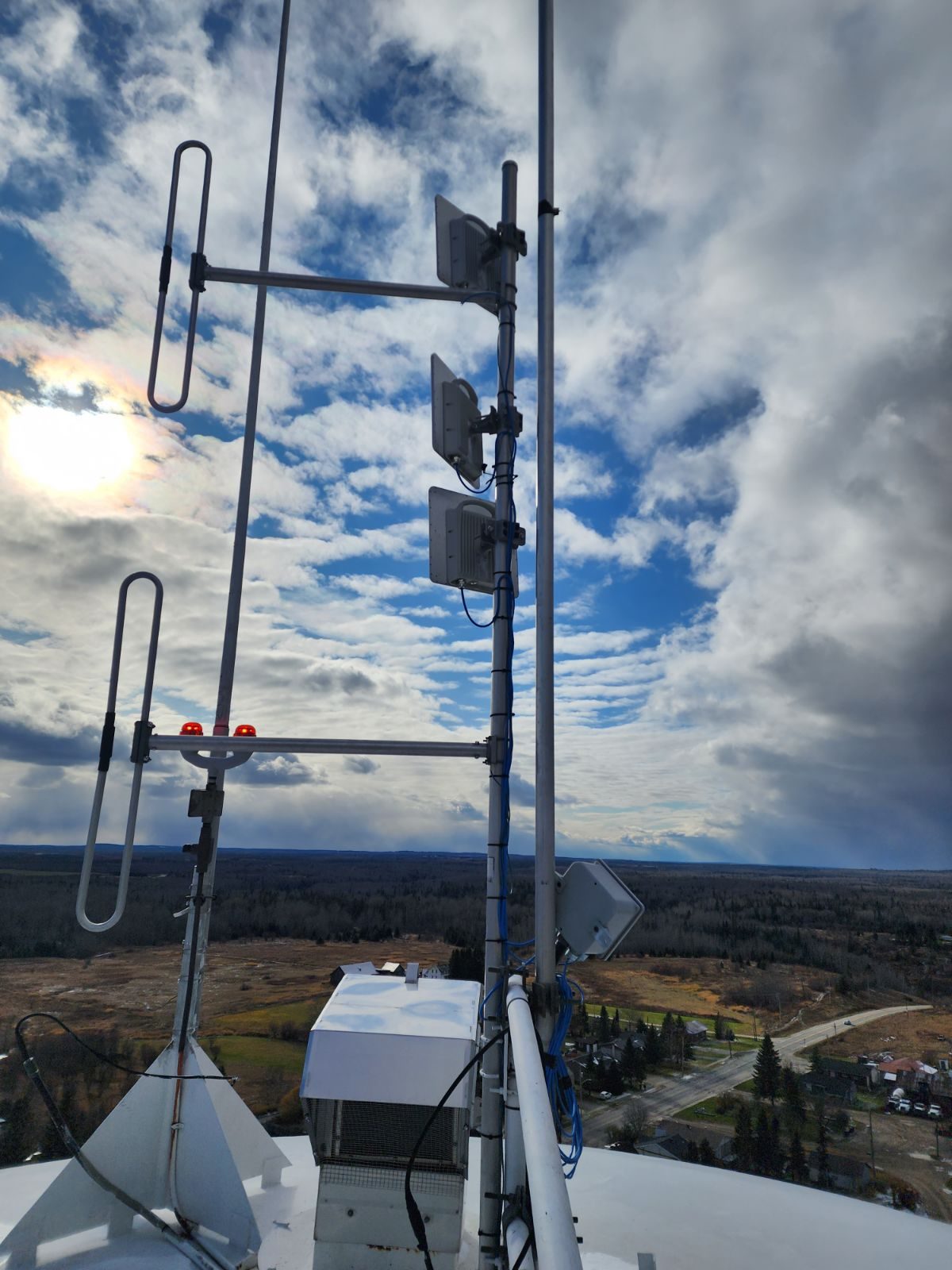
Access points on another building, pole, dock, yard, or distant part of the property still need a dependable connection to the main network. Depending on the layout, that connection may use Ethernet, fiber, point-to-point or point-to-multipoint wireless backhaul, mesh, or a combination of methods.
Remote equipment needs an appropriate power source, secure mounting, protected cable connections, and weather protection suited to the installation. The design may include PoE, weatherproof enclosures, grounding, surge protection, and accessible locations for future service.
GNS can preconfigure the network, prepare wiring diagrams, set up supported cloud management, and provide installation guidance. Once the equipment is online, cloud access gives GNS the operational information needed to assist with configuration, troubleshooting, and ongoing support.
Signal and simultaneous use
Coverage is a usable signal in the places that matter: the office door, the far parking row, the barn aisle, or the last dock. Capacity is whether that signal still holds when many devices share it. A Saturday event in the parking area can fail even when Tuesday morning in the office looks fine.
The internet service sits behind both. An access point cannot deliver more than the connection that feeds the property, and a wireless backhaul has to carry the traffic the access layer creates.
Client devices are usually phones, tablets, and laptops with modest antennas. They must send a return signal to the access point. Raising the access point’s transmit power does not automatically fix a weak return path. Placement, antenna pattern, mounting height, trees, metal buildings, and interference decide whether the connection holds.
The outdoor Wi-Fi planning and capacity planning guides go further on those choices.
Access and the path between buildings
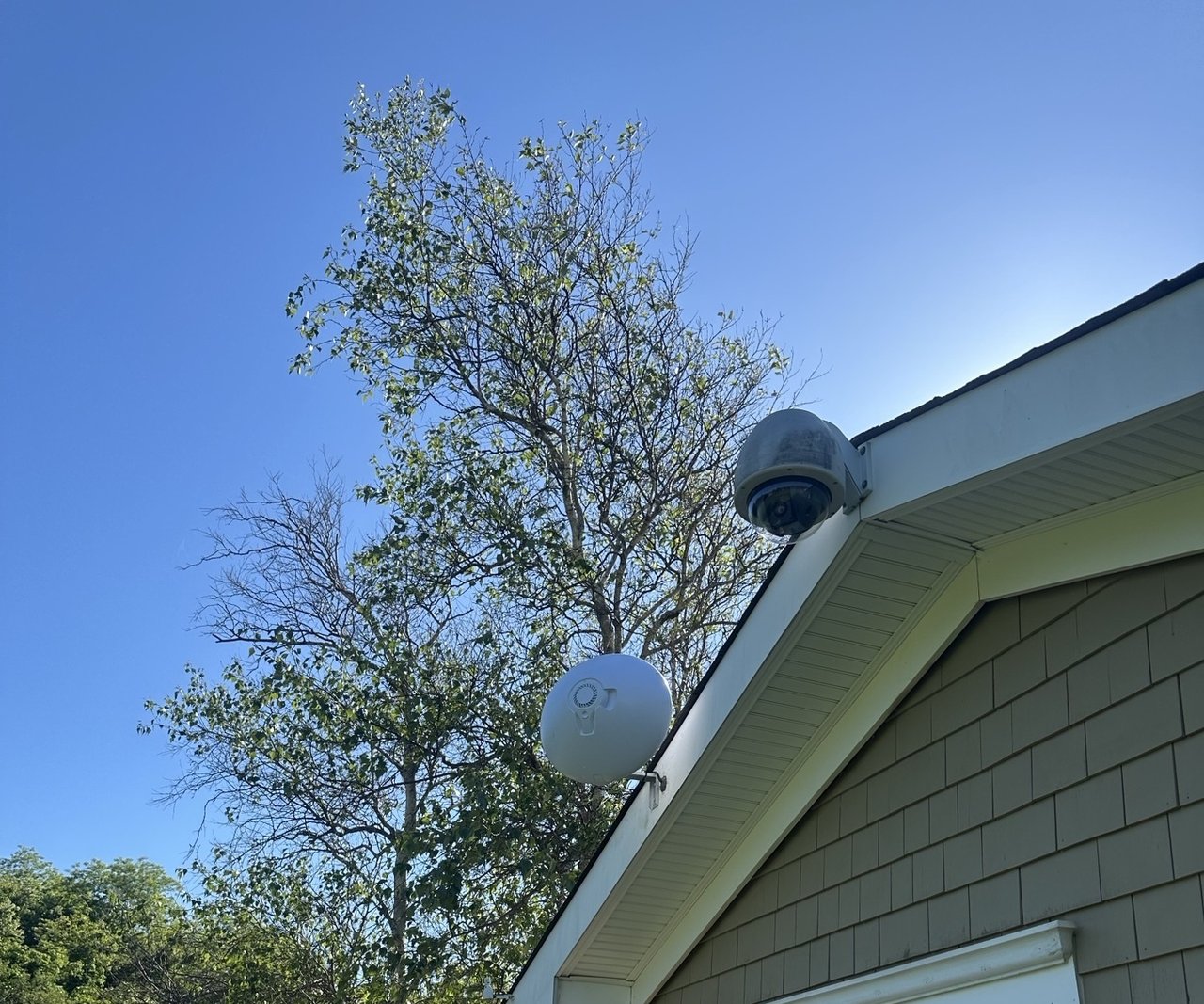
Access points serve people and their devices. Point-to-point or point-to-multipoint wireless backhaul carries the network between buildings, poles, or remote work areas when a cable path is not practical.
Mesh can extend coverage in the right layout. A dedicated backhaul link is often the better choice for distance or heavier demand. The wireless bridge vs. mesh comparison explains that choice.
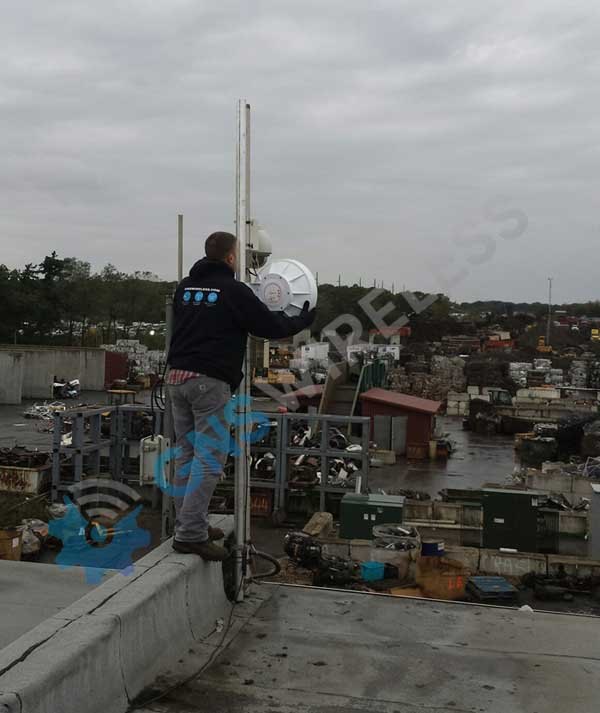
A backhaul radio still needs a clear path, solid mounting, alignment, grounding, protected cable, and testing. The radios themselves are only the start of that link.
Wi-Fi 6 improved efficiency when many devices share an access point, using features such as OFDMA and MU-MIMO if both the radio and the client support them. Wi-Fi 7 can add efficiency and capacity features on the same terms: the outdoor model, the client devices, the configuration, and the local rules all have to line up.
Usable bands vary. Some outdoor Wi-Fi 7 access points stay on 2.4 GHz and 5 GHz. Outdoor 6 GHz, wider channels, and Multi-Link Operation depend on the selected radio, the clients, the configuration, and local rules. Wi-Fi 7 is not the right purchase for every outdoor property.
Before the radios are ordered
Every remote access point or backhaul location needs power, a mounting point, and weather-protected connections. Those details belong in the design before equipment is ordered.
Power over Ethernet is common when the cable run and power budget allow it. Solar or another approved source may be possible when it is engineered for the site.
An IP rating describes enclosure protection. Outdoor reliability also depends on hardware selection, mounting hardware, cable entry, sealing, grounding, surge protection, and access for later service. Existing high structures can be useful mounting locations when they fit the path. Height helps line of sight; foliage and buildings still have to be planned.
Guests, staff, and on-site operations often need different rules. A visitor on a dock or in a parking area should not share the same path as a shop computer or a camera feed.
Most commercial designs can keep those groups on separate networks, with their own passwords, bandwidth limits, and VLAN assignments, when that is specified up front. The exact method depends on the equipment chosen for the property.
Once the radios are online, GNS uses cloud management to see whether they stay up, change settings, and handle support without a site visit.
GNS uses operational information to configure and support the network. Guest browsing activity is not recorded, nor available.
A useful review begins with a drawing of the site: buildings, parking, outdoor work areas, docks or loops if they exist, and where the internet service lands. Mark who connects in each place and when the property is busiest.
GNS uses that picture to place access points, choose backhaul or cable paths, and size power and mounting. Send the map with a commercial Wi-Fi system review, or email sales@gnswireless.com.
GNS does not supply the internet connection. The design uses the fiber, cable, Starlink, or other service already available at the property.
If the property is a campground, RV park, marina, or farm, use that application page for layout. Planning choices for placement, busy-period load, and the path between buildings are in the guides below.
A commercial access point can be one radio in the design. The property still needs a plan for where people connect, how remote radios reach the core, how the internet service is shared, and who can support the network later.
It can cover a short, lightly used area. Across a parking lot, a metal shop, or a building that sits past a treeline, you usually need purpose-placed outdoor access points and a planned feed to those radios.
Choose the generation after the layout, client mix, and available internet capacity are clear. A newer label does not place the radios or carry traffic between buildings.
No. Fiber, cable, Starlink, or another available service feeds the system. The design has to account for where that connection lands and how much capacity it provides.
Use Continue With a Commercial Wi-Fi System Review or email sales@gnswireless.com. For installation questions, call (877) 209-5152.
Next step
If the property map is ready, continue with a commercial outdoor system review.